



lrg.jpg&w=480&q=75)
lrg_4.jpg&w=480&q=75)
lrg.jpg&w=480&q=75)
lrg.jpg&w=480&q=75)
lrg.jpg&w=480&q=75)


lrg_1.jpg&w=480&q=75)
Adjust System Components

Why Choose This Performance PC?
- Balanced midrange option for gaming and creation
- Well suited to modern gaming and everyday multitasking
- Good memory size for demanding applications
- Good storage capacity and speed
- 3 years warranty, unlimited support
Need Help?
Updated Price
$2,475.00Financing Options
Share Your Build
Magic T13 Video Editor
Introduction
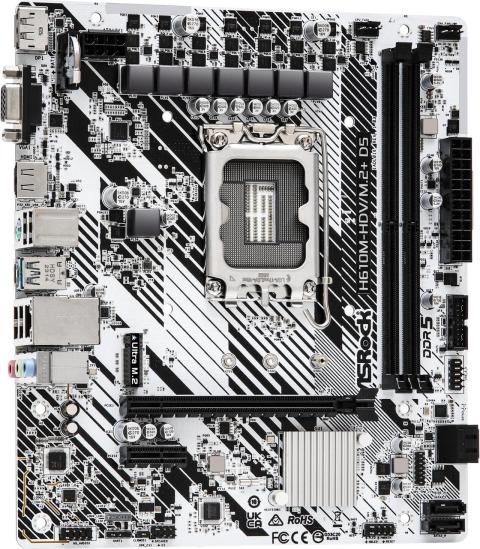
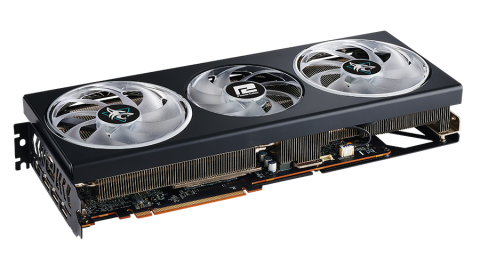
Professional workstations earn their keep by reducing waits and keeping complex projects responsive. The Magic T13 Video Editor is built around the Intel i5-13600k Raptor Lake 3.5GHz 14Core and AMD Radeon RX 7800 XT Graphics Card, giving it a clear role for technical, creative, or production work. The value is not a single benchmark number; it is the ability to keep larger projects, several applications, and long-running jobs moving without turning the desktop into the bottleneck. This configuration is intended for users who measure a computer by completed work, not by specification-sheet theater.
Chassis / Design
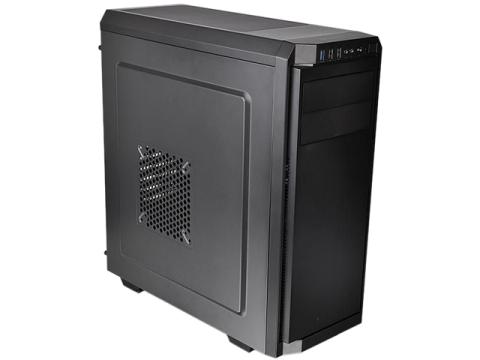
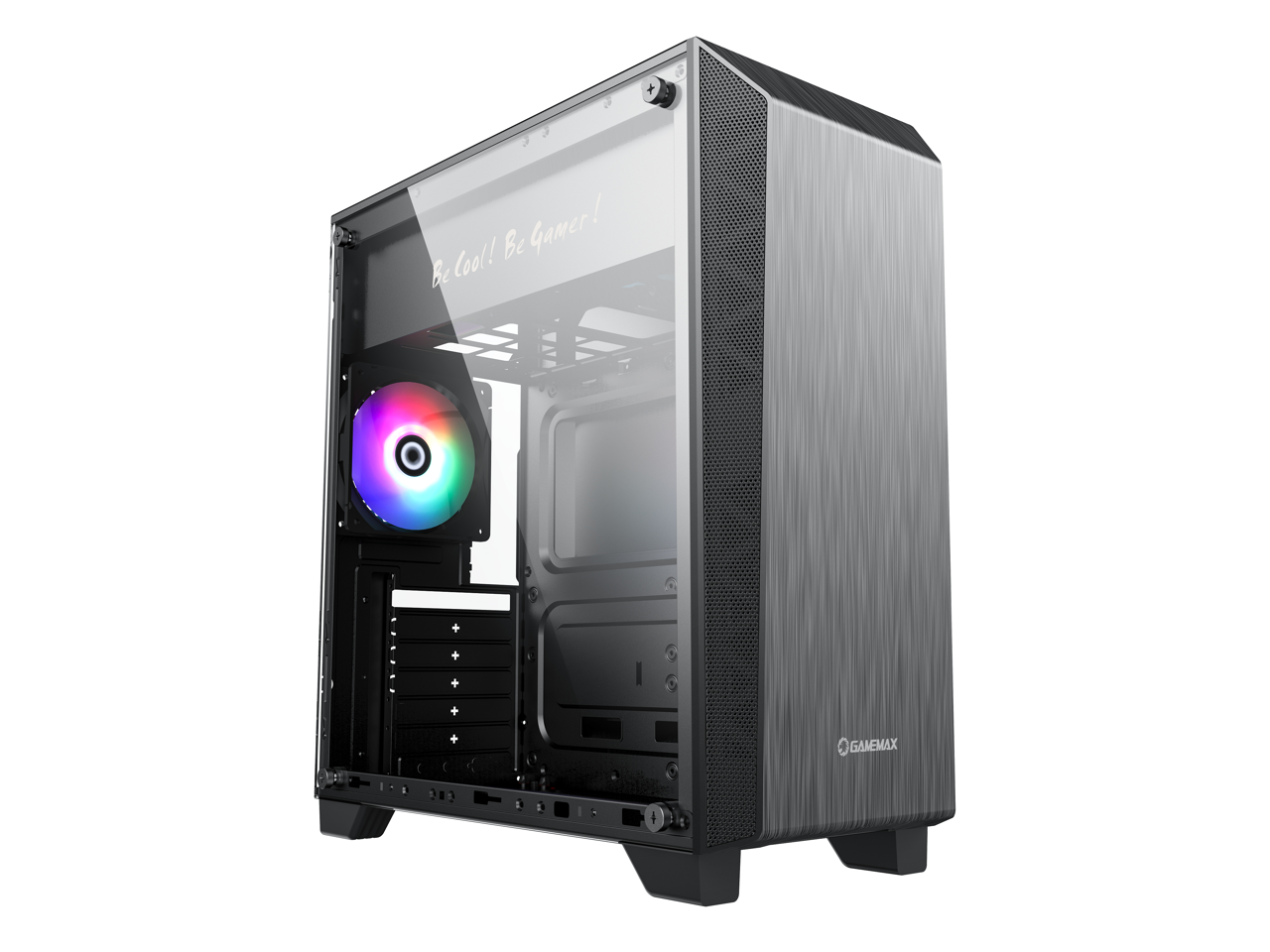
The source configuration does not expose a separate chassis selection for this product. The description therefore focuses on the confirmed platform and avoids inventing enclosure features. For buyers, the important point is that the system should be evaluated from the listed components and intended role rather than assumptions about case styling.
Performance
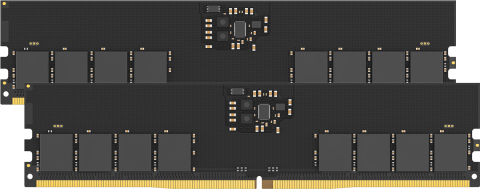
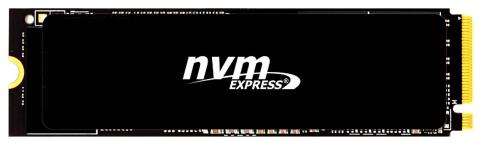
The Intel i5-13600k Raptor Lake 3.5GHz 14Core provides the CPU foundation for sustained professional workloads, while AMD Radeon RX 7800 XT Graphics Card handles the listed graphics role. The system includes DDR5 32GB (2x16GB) 4800MHz Dual-Channel and 1TB NVMe SSD. That balance matters because professional applications rarely stress only one component. Large assemblies, video timelines, code builds, simulations, photo catalogs, background exports, browsers, communication tools, and file transfers can all compete for resources during a normal workday. A workstation feels faster when those demands can coexist without forcing the user to close one task before starting the next.
What This Means in Daily Work
In a professional environment, the useful question is how often the current computer makes the user wait. If exports, previews, compiles, simulations, renders, large file operations, or heavy multitasking regularly interrupt the day, a stronger workstation can return time instead of simply producing a larger benchmark score. The supplied CPU, graphics, memory, and NVMe storage address different parts of that workflow, which is why the complete balance matters more than one flagship component. Users should still size specialty storage, networking, and peripherals around the actual application stack, but the platform is clearly aimed beyond routine office use.
Recommended Games
Gaming is not the main reason to buy this configuration, but these titles are sensible examples for its graphics tier:
- Call of Duty
- Fortnite
- Apex Legends
- Forza Motorsport
- Baldur's Gate 3
- Cyberpunk 2077
Recommended Applications
The configuration is well matched to applications in the following group, depending on the user's actual workflow and project size:
- Adobe Premiere Pro
- DaVinci Resolve
- Adobe After Effects
- Photoshop
- Blender
- OBS Studio
- Audition
- Media Encoder
Key Advantages
- CPU headroom for demanding professional workloads
- Graphics capability aligned to the listed professional or creator role
- Memory capacity for larger projects and multi-application workflows
- NVMe storage for responsive project and application access
- Serviceable desktop architecture for expansion and maintenance
- A platform suited to revenue-producing work rather than casual use
Ideal Users
- Video editors
- YouTube creators
- Motion-graphics artists
- Production studios
- Streamers
- Creators working with large media projects
Long-Term Ownership
A desktop purchase should also be considered over several years rather than only on the day it is ordered. The Intel i5-13600k Raptor Lake 3.5GHz 14Core platform, DDR5 32GB (2x16GB) 4800MHz Dual-Channel, and 1TB NVMe SSD define the starting point, but the usefulness of a standard PC is that storage, memory, peripherals, and—where the platform allows it—graphics can be changed independently. That serviceability can extend the practical life of the system because the owner can respond to a larger game library, heavier projects, a new monitor, or changing software requirements without automatically replacing the entire computer. For buyers comparing a desktop with a tightly integrated device, that flexibility is part of the value proposition.
Bottom Line
Bottom line: choose the Magic T13 Video Editor if your computer is primarily a professional tool and you need a platform that can stay composed during serious project work. The Intel i5-13600k Raptor Lake 3.5GHz 14Core and AMD Radeon RX 7800 XT Graphics Card give it a clear workstation identity, while the memory, NVMe storage, cooling, and restrained chassis keep the overall package practical. It stands out not because it tries to imitate a gaming flagship, but because it is configured around the needs of people who create, design, analyze, compile, render, and deliver work for a living.
Reviews
- No reviews yet. Be the first to write one!
Frequently Asked Questions (FAQ)
Can a second graphics card be added?
Possibly. A second graphics card cannot be approved from PCIe slot count alone. It must also fit the motherboard slot spacing and case, avoid interference with the bottom of the case or power-supply shroud and other installed cards, and be supported by the power supply and its connectors. Please check with customer service because the answer depends in part on the exact graphics-card model available to us at the time of order.
Can I upgrade the memory and storage in the future?
Absolutely. The workstation is built on a modern AM5 platform and supports future RAM and storage upgrades, allowing you to expand your system as your creative needs grow.
Can the graphics card be upgraded later?
Yes. The graphics card can be upgraded later. A more powerful graphics card may also require a power-supply upgrade to provide sufficient wattage and the required power connectors. Compatibility with a particular card also depends on its physical size, cooling requirements, and the rest of the installed configuration. Customer service can confirm compatibility with the specific graphics card you are considering.
Can the Magic A7000 Video Editor 2 handle 4K and 8K video editing?
Yes. Its high-performance AMD Ryzen™ processor, DDR5 memory, NVMe SSD storage, and support for NVIDIA® GeForce RTX™ graphics provide the power needed for smooth 4K editing and demanding 8K workflows.
Does the Magic A7000 Video Editor 2 come with Windows installed?
Yes. The system comes pre-installed with Microsoft Windows 11 Home (64-bit), so it's ready to use right out of the box.
Does this PC support multiple monitors?
Yes. Depending on the installed graphics card, the Magic A7000 Video Editor 2 can support multiple high-resolution displays, making it perfect for editing timelines, preview windows, color grading, and multitasking.
Is the graphics card upgradeable?
Yes. The Magic A7000 Video Editor 2 supports configurable NVIDIA GeForce RTX graphics cards and can be upgraded to meet higher rendering, AI processing, and video editing requirements.
Is this workstation suitable for live streaming and content creation?
Yes. It is an excellent choice for YouTubers, Twitch streamers, educators, podcasters, and professional content creators who need reliable performance for recording, editing, streaming, and rendering.
What is the Magic A7000 Video Editor designed for?
The Magic A7000 Video Editor is a professional workstation built for video editing, color grading, motion graphics, 3D rendering, live streaming, and content creation. It is ideal for creators working with 4K and 8K video projects.
Which graphics card brand and exact model will I receive?
We may use graphics cards from different manufacturers and model lines that meet the graphics-chipset and memory specifications shown in the configuration. Card length, thickness, cooler design, and number of fans can vary. Customer service can confirm the exact model available to us at the time of order.
Which memory brand and exact model will I receive?
We may use memory from different manufacturers and model lines. The installed memory will have the listed capacity and the listed speed or better, but the brand and exact module model may vary. Customer service can confirm the exact memory available to us at the time of order.
Which SSD brand and exact model will I receive?
When an exact SSD model is not specified in the configuration, we may use different manufacturers and models that meet the listed storage specifications or better. Customer service can confirm the exact model available to us at the time of order.
Which video editing software is compatible with this workstation?
The system is optimized for industry-leading creative applications, including: • Adobe Premiere Pro • DaVinci Resolve • Adobe After Effects • Blender • Adobe Media Encoder • Cinema 4D • Autodesk Maya • Adobe Photoshop • Adobe Illustrator • OBS Studio
Why is DDR5 memory beneficial for video editing?
DDR5 memory provides higher bandwidth and faster data transfer speeds than previous generations, resulting in smoother timeline playback, quicker rendering, improved multitasking, and better overall editing performance.
Why should I choose the Magic A7000 Video Editor 2 over a standard desktop PC?
Unlike a typical desktop, the Magic A7000 Video Editor 2 is purpose-built for professional creative workloads. It combines a high-core-count AMD Ryzen™ processor, fast DDR5 memory, NVMe SSD storage, upgradeable RTX graphics, and optimised cooling to deliver reliable performance for video editing, rendering, animation, and other demanding creative tasks.
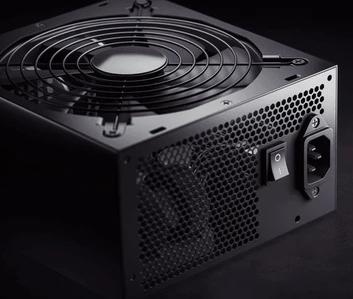
Would a more powerful graphics card require a power-supply upgrade?
It depends on the replacement graphics card. Some upgrades can use the installed power supply, while higher-power cards may require a power-supply upgrade or different power connectors. Customer service can confirm this for the specific graphics card being considered.