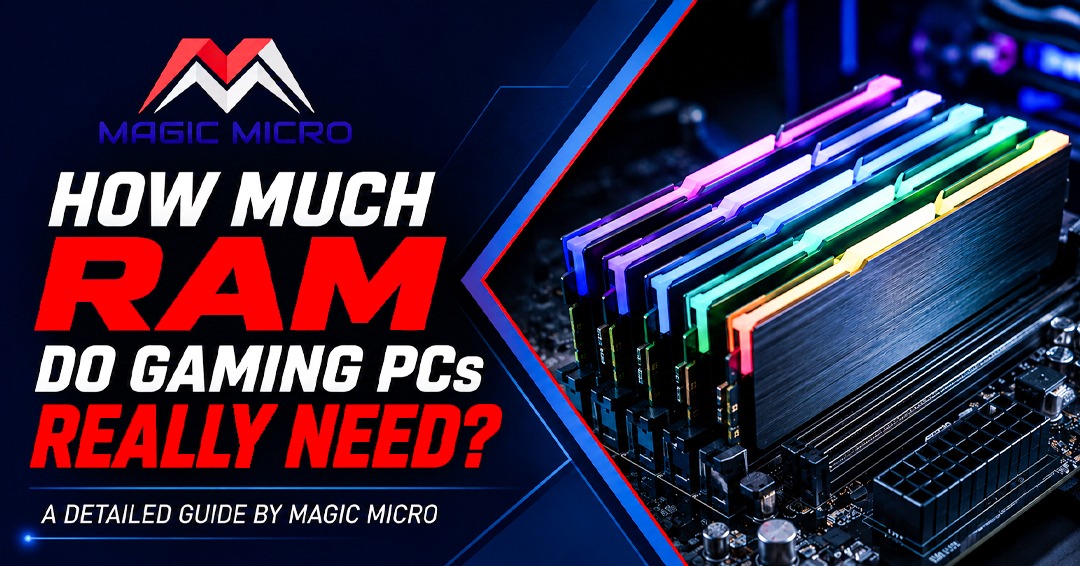
For most gamers today, 16 GB is the bare minimum, and 32 GB is the comfortable sweet spot. 8 GB is dead for modern gaming, and 64 GB is a speciality purchase for creators – not pure gamers.
Introduction:
Walk into any PC building forum, and you will find the same argument running in circles: how much RAM is actually enough? People spend weeks picking the perfect GPU and CPU, then rush through the RAM decision – and it quietly becomes the thing that causes the most real-world frustration.
At Magic Micro, we have been building custom gaming PCs since 1997. We have watched RAM go from 128 MB being considered generous to today’s landscape, where a single AAA game can push 12–14 GB of usage on its own. The advice from five years ago simply hasn’t kept up. This guide fixes that.
What RAM Actually Does in a Gaming PC?
Think of RAM as your work desk. Your SSD is the filing cabinet – everything you own lives there permanently. RAM is the surface you are actively working on right now. When you launch a game, it pulls textures, maps, AI scripts, and audio assets onto that desk. If the desk is too small, the system constantly shuffles things back into the cabinet mid-session, and that is where frame stutters and hitches come from.
RAM rarely raises your average frame rate. What it does is keep the floor from collapsing. That is why benchmarks often show 16 GB and 32 GB with nearly identical average FPS – but the 1% lows and the stutters you actually feel during gameplay tell a different story when memory limits are hit.
The Four RAM Tiers – Explained Honestly
8 GB – Avoid It Completely
A few years ago, 8 GB was a passable budget option. That window has closed. Windows and background processes alone eat 3–5 GB at idle. That leaves your game fighting for maybe 3 GB of headroom, which no modern title fits comfortably inside. Titles like Monster Hunter Wilds and the upcoming Unreal Engine 5 wave are regularly hitting 12–14 GB of RAM usage. On an 8 GB system, the machine is constantly writing to the page file on your SSD, and no GPU in the world fixes that kind of bottleneck.
Do not build a gaming PC with 8 GB in 2026. If your current machine has it, this is your most impactful upgrade.
16 GB – Minimum Worth Having
16 GB is where most of our mid-range gaming builds start. In a focused session – game open, Discord running, nothing else – it handles 1080p and 1440p gaming across nearly all current titles without serious issues. It also keeps costs down, leaving more budget for the GPU, which moves the frame rate needle the most.
The honest limitation: it runs lean. Add a few browser tabs, a music app, and OBS, and you are regularly sitting at 13–15 GB of total usage. One demanding title update or one background process tips the balance.
Our Intel 14th Gen i7 DDR5 Gaming System ships with 16 GB as its starting point – a deliberate choice that keeps the price accessible while leaving the door open for an easy upgrade later.
32 GB – Where Most Gamers Should Land
If you ask us what we put in builds for customers who want to stay comfortable for the next four or five years, the answer is 32 GB. Not because games demand it today in every title – many don’t – but because the trend is moving fast and the price premium has shrunk considerably.
With 32 GB, you can have a game running, Discord active, a browser open with research tabs, and Spotify playing – and none of it matters. The system handles it without breaking a sweat. For streamers running OBS alongside everything else, 32 GB is the starting point, not a luxury.
Both our AMD Ryzen 7 9800X3D Gaming System and AMD Ryzen 7 9850X3D Gaming System are configured in dual-channel DDR5 and fully customizable – bumping to 32 GB is the first upgrade we recommend for anyone planning to keep their machine for four or more years.
64 GB – For Creators, Not Pure Gamers
64 GB is a workflow upgrade, not a gaming upgrade. If you are rendering 3D scenes in Blender, cutting video in DaVinci Resolve, running machine learning training jobs, or keeping virtual machines open alongside games, 64 GB earns its cost. For someone gaming exclusively, it sits mostly empty. The money goes further toward a faster GPU or storage.
For clients who need serious workstation capability and great gaming in the same machine, we build for both. Browse our full catalog or contact our team for a custom gaming PCs and workstations quote built around your actual workload.
DDR4 vs DDR5 – Does the Generation Matter?
Yes, but not in the dramatic way the marketing suggests. Tom’s Hardware’s extended testing found DDR5 delivered 1–3% average FPS improvements over well-tuned DDR4 in most gaming titles. That is within rounding error for everyday play.
Where DDR5 genuinely helps is in 1% lows – the stutters you feel during fast traversal in large open-world games. DDR5’s dual sub-channel architecture improves how quickly assets stream during those moments, and that smoothness shows up in real play even when the frame counter looks fine.
For any new build in 2026, DDR5 is the right call. AMD AM5 and Intel Arrow Lake require it. If you are on an older DDR4 platform, upgrading RAM capacity – going from 16 GB to 32 GB – gives more real return than chasing a newer standard.
The Mistake That Costs You More Than Capacity: Single vs Dual Channel
This one trips people up more than the capacity question. A single 32 GB stick in one slot runs slower than two 16 GB sticks in dual channel – even though both show “32 GB” in Windows. Dual channel doubles the memory bandwidth available to your CPU, and that directly affects how smoothly games run.
Always buy matched pairs. Always seat them in the correct slots (typically slots 2 and 4 – check your motherboard manual). Every system we ship at Magic Micro runs in dual-channel by default. It costs nothing extra and makes a real difference.
Quick Reference: What Should You Buy?
Final Word
RAM rarely gets the spotlight, but getting it wrong quietly undermines everything else in a build. The right call for most gamers in 2026 is a matched 2×16 GB DDR5-6000 kit, seated in dual channel, with XMP or EXPO enabled in BIOS. That single combination handles the present comfortably and the next few years of game releases without drama.
If the right configuration is not obvious for your use case, our team at Magic Micro is happy to help. Browse our gaming PC lineup – every system is fully customizable – or reach out directly and we will put together a build that matches your actual needs. If budget is the hesitation, our financing options through Bread Pay and PayPal let you split the cost into manageable monthly payments.
No automated systems. No chatbots. Just people who have been building PCs since before most gaming forums existed.
Frequently Asked Questions (FAQs):
1. How much RAM do I need for gaming in 2026?
For most gamers, 32 GB DDR5 is the ideal choice, while 16 GB DDR5 is the minimum recommended for modern gaming.
2. Is 16 GB RAM enough for modern games?
Yes, 16 GB is sufficient for most current games, but heavy multitasking or streaming may benefit from 32 GB.
3. Is 32 GB RAM overkill for gaming?
No. 32 GB provides smoother multitasking, better future-proofing, and improved performance while streaming or running background applications.
4. Can I game with 8 GB RAM?
Modern AAA games are not optimized for 8 GB RAM. Upgrading to at least 16 GB is highly recommended.
5. Does more RAM increase FPS?
Additional RAM rarely increases average FPS but can improve system responsiveness, reduce stuttering, and enhance 1% low frame rates.
6. Is DDR5 better than DDR4 for gaming?
DDR5 offers improved bandwidth and smoother gameplay in supported systems, making it the preferred choice for new gaming PC builds.
7. Should I choose 16 GB or 32 GB DDR5?
Choose 16 GB for budget gaming builds and 32 GB if you want better multitasking and long-term performance.
8. What is dual-channel RAM?
Dual-channel RAM uses two matched memory modules to increase memory bandwidth and improve overall gaming performance.
9. How do I choose the right RAM for my gaming PC?
Consider your gaming resolution, multitasking needs, motherboard compatibility, and future upgrade plans. For most users, 32 GB DDR5 in dual-channel is the best long-term investment.
10. What RAM configuration does Magic Micro recommend?
Magic Micro recommends a 2×16 GB DDR5 dual-channel configuration for the best balance of gaming performance and future-proofing.