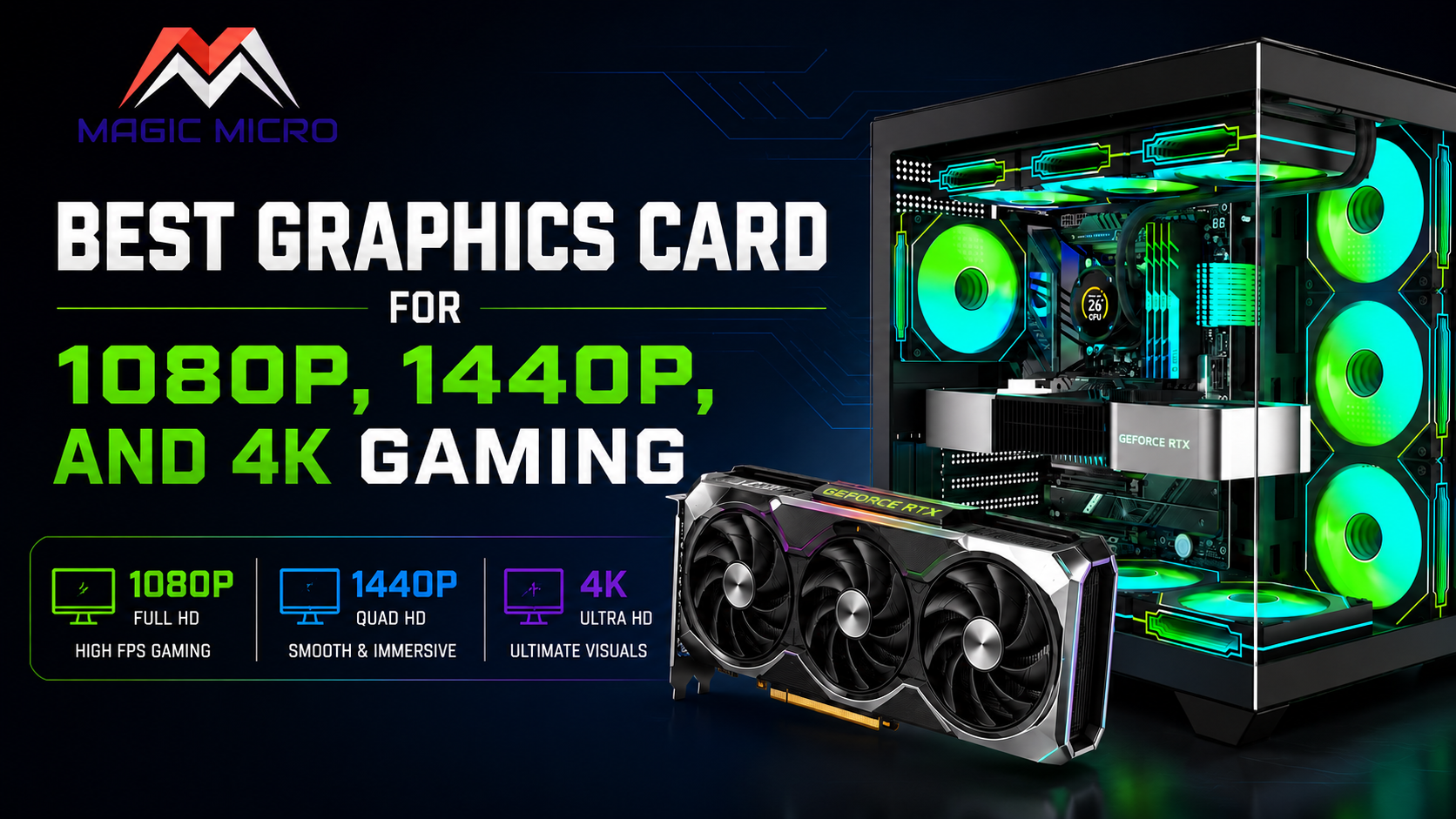
Picking the right graphics card is the difference between a gaming PC that feels snappy and one that leaves you frustrated. Resolution matters. Refresh rate matters. And your budget absolutely matters. Let’s cut through the noise and look at what actually works at each tier.
Crushing 1080p: Speed Over Specs
If you play competitive shooters or want to max out everything at 144fps+, 1080p is your playground. You don’t need to spend big here; this is where value lives.
The RTX 5060 and RX 7600 are workhorses. Both push 100+ fps in virtually every modern title with high settings, and they’ll handle ray tracingwithout breaking a sweat. You get solid 1080p performance without paying 4K prices.
What makes this tier smart? Simplicity. These cards have plenty of VRAMfor 1080p work, they run cool, and they don’t need excessive power draw. If you’re building a custom gaming PC focused on esports titles or older AAA games, the 5060/7600 class is where Magic Micro recommends starting. You’ll keep your entire build cost reasonable while delivering frame rates that competitive players crave. This is the entry point for anyone serious about high-refresh gaming without the premium tag.
The 1440p Sweet Spot: Your Money’s Best Friend
1440p is where things get interesting. You get visual fidelity that looks genuinely great on modern displays, and the performance is still smooth enough for high-refresh gaming. This is the Goldilocks zone.
The RTX 5070 and RX 7900 GRE hit this target with precision. Both cards deliver 90-120 fps in demanding new releases with ray tracing enabled, and they’ll cruise past 144 fps in lighter titles. The jump in picture quality compared to 1080p is real; textures pop, shadows look natural, and gameplay feels immersive without the extreme cost of 4K.
Building a 1440p system through Magic Micro’s custom gaming PCs and workstationsservice means getting a machine that stays relevant for years. These mid-range cards are the backbone of most serious gamers’ rigs. They’re powerful enough for streaming and content creation, but they don’t force you to power a small city. The sweet spot isn’t luck—it’s engineering. 1440p is where GPU dollars translate directly into gaming happiness.
4K Gaming: Raw Power and VRAM Reality
4K is the endgame. Your monitor will be stunning, but your GPU needs to work. Full stop.
The RTX 5080 and RTX 5090 aren’t overkill—they’re exactly what you need. At 4K, VRAM demand skyrockets. Ray tracing becomes resource-intensive. Texture streaming pulls from memory constantly. These cards have the bandwidth and the grunt to push 60+ fps in cutting-edge titles with all the eye candy turned on.
The 5090 with 32GB of VRAM is built for this. If you’re planning a top-tier build for 4K gaming or 3D rendering workloads, you’re looking at the top-shelf components. Ray tracing at 4K requires serious processing power—these cards handle it with authority.
Magic Micro, as a top custom PC building company, knows that 4K builds demand careful power supply planning, cooling solutions, and thermal management. You’re not just buying a card; you’re investing in an entire system designed to extract maximum performance from it. This tier exists for enthusiasts and content creators who won’t settle for compromise.
Finding Your GPU Match
The path is clear: 1080p for budget speed, 1440p for the best overall experience, and 4K for when you want maximum visual fidelity. Your use case determines which tier makes sense.
Whether you’re chasing esports frames or cinematic 4K visuals, Magic Micro can spec out a custom build tailored to your resolution needs. The right GPU paired with matching CPU, cooling, and power delivery is how you avoid buyer’s remorse and actually enjoy the machine you’ve invested in.
Pick your resolution. Pick your GPU. Game on.
Frequently Asked Questions (FAQs)
1. How much VRAM do I actually need for 1080p gaming?
8GB is plenty for 1080p at high settings in most games.
2. Is 12GB VRAM worth it for 1440p?
Yes, 12GB handles demanding AAA titles and ray tracing smoothly without VRAM stutters.
3. How much VRAM should I get for 4K gaming?
16GB minimum; 24GB+ if you’re doing ray tracing or 3D work.
4. Will my older CPU bottleneck a new graphics card?
A 5-7 year old CPU might bottleneck at 1080p, but less so at 1440p and 4K, where the GPU does more work.
5. What PSU wattage do I need for an RTX 5070?
750W minimum, but 850W is safer and more efficient.
6. Is a 1000W PSU overkill for RTX 5080 gaming?
No, it gives you overhead and keeps your PSU running cool and quiet.
7. What’s the power difference between DLSS and FSR upscaling?
DLSS is slightly more efficient on Nvidia cards; FSR works across more hardware. Both boost frames similarly.
8. Should I use DLSS Super Resolution or Nvidia Frame Generation?
Super Resolution for steady gains with zero input lag; Frame Generation for single-player games where slight lag is okay.
9. Is 4K gaming actually worth the money?
If you play 20+ hours weekly, yes. Otherwise, 1440p offers 80% of the visuals at half the cost.
10. Can I pair a budget GPU with a high-end CPU without wasting money?
Absolutely, Magic Micro builds custom gaming PCs and workstations designed for staged upgrades, so upgrade your GPU later without touching the CPU.